CONTENT / 01
Switch Between Cricket JetSpeed and Slot Rooms
Cricket JetSpeed and Football BalMoney sit in the sportsbook section, where live match markets open alongside pre-match lines. The slot side of the lobby includes Murree Mountain Slots and Jhelum Prize Table — both available from the main game filter row under Slots. Crash Betboost is in the Crash category and runs its own round timer visible on the game screen. Roulette Fast Wheel is accessible under Table Games.
-
Cricket JetSpeed
-
Football BalMoney
-
Murree Mountain Slots
-
Crash Betboost
-
Roulette Fast Wheel
-
Jhelum Prize Table
CONTENT / 02
Browse the Games We Have Running
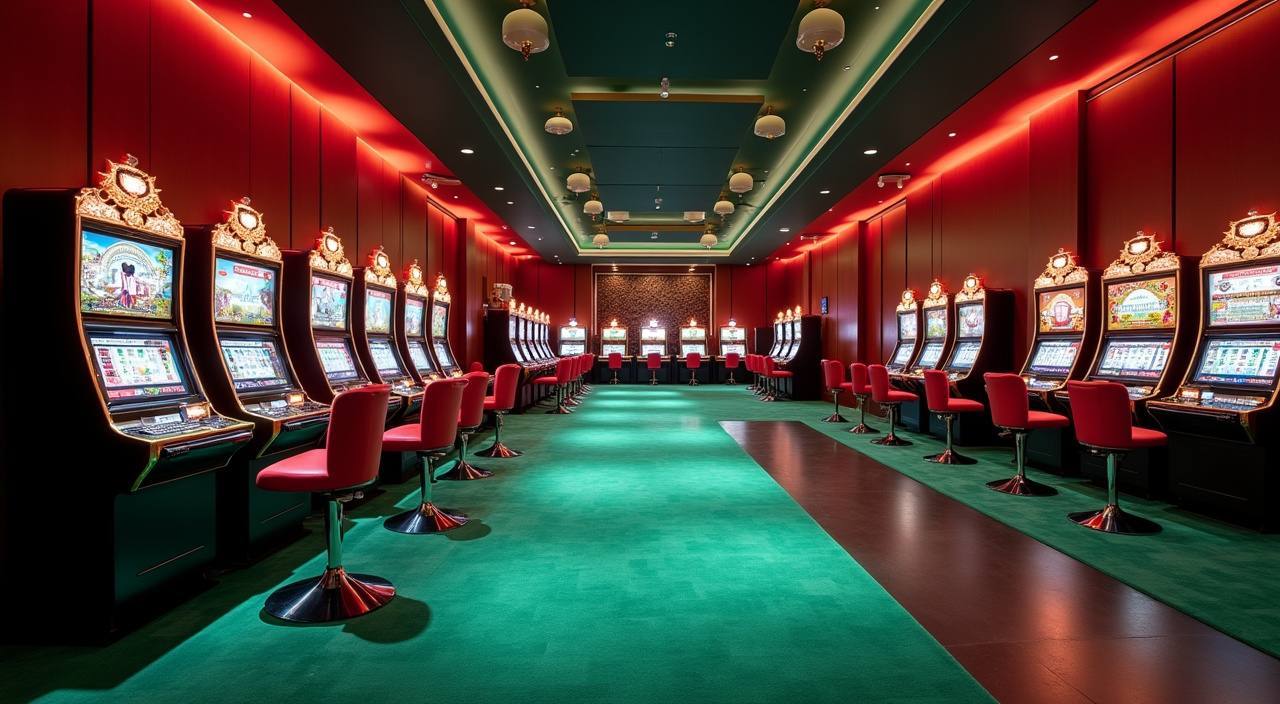
Our lobby covers slots, live casino tables, crash games and a sportsbook — all reachable from the same screen after login. Cricket-led sports betting sits alongside slot titles and table games so you can switch between them without going back to a menu.
CONTENT / 04
bdtk37 lobby studios
The bdtk37 lobby carries content from PG Soft, CQ9, Joker, JDB, Habanero. To check the studio, rules or features of one specific game, open that game card or the published information panel.
-
PG Soft
-
CQ9
-
Joker
-
JDB
-
Habanero
CONTENT / 03
The Home Lobby Fits Your Phone Screen
The bdtk37 home screen is built to the dimensions of a phone — category tabs, game cards and the wallet balance all sit within thumb reach without pinching or zooming. The lobby card layout uses a horizontal scroll rail for game categories so you can scan titles quickly in portrait mode. Payment chips for bKash, Nagad and Rocket appear in the cashier without scrolling past a long list.
-
One-Tap Lobby Return
The home icon is visible from every screen — sportsbook, game window and cashier. Tapping it returns you to the lobby category you last had open. On the same device and session, the lobby remembers your scroll position in the game rail so you do not start over at the top of the list each time you come back.
-
Phone-Sized Payment Chips
The cashier shows bKash, Nagad, Rocket and Bank Transfer as tappable chips at the top of the deposit screen — no scrolling required to reach your preferred method. Select the chip, enter the amount in the field that appears below, and submit. The Transaction History entry is created immediately so you can track status from the moment you submit.
-
Session Continuity Across Devices
Your account state — balance, bet history, Transaction History — is tied to your account, not a single device. Log in on a different phone or a browser and the same wallet and lobby are waiting. Category preferences and active bets carry over. Only unsaved form fields (an in-progress bet slip not yet submitted) do not transfer between sessions.
 App / Mobile